Welcome to APSync
APSync helps move invoice and item work between HubSpot, QuickBooks, and the shipping workflow.
The simplest way to think about it:
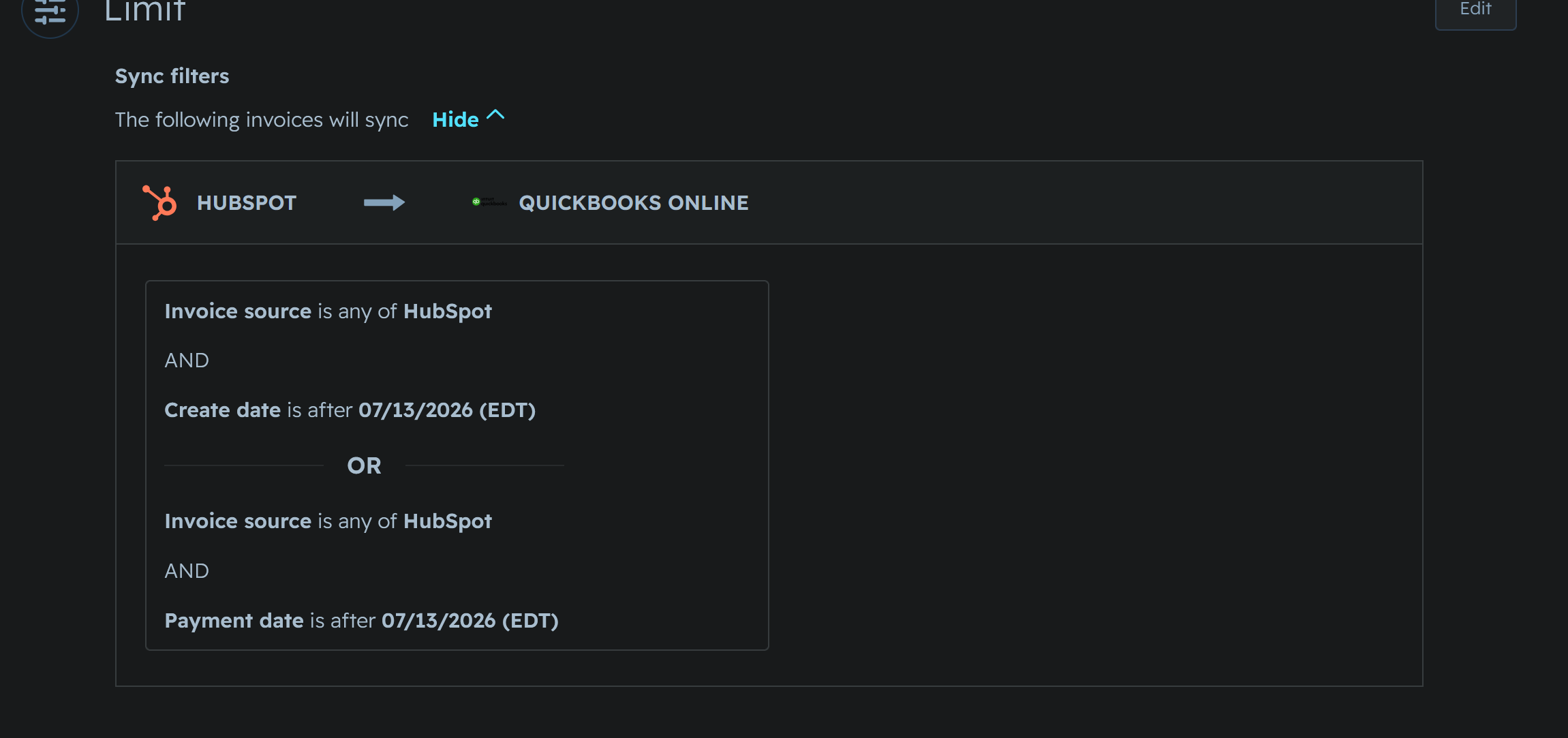
- Start the invoice in HubSpot.
- Let it sync to QuickBooks.
- Check that QuickBooks has the current invoice.
- Run shipping after QuickBooks is correct.
Where do I start?
Start in HubSpot.
Create the invoice there first. Add the customer, add the line items, check the total, and save it.
Then give the HubSpot to QuickBooks sync a few minutes. Before shipping, make sure the invoice in QuickBooks matches what you expect.
What is APSync for?
APSync gives you one place to do common operational work:
- check or manage app connections
- work with item and account CSVs
- run shipping actions
- read documentation when you are not sure what to do next
What should I check before shipping?
Make sure the invoice has synced from HubSpot to QuickBooks.
If someone just edited the invoice in HubSpot, QuickBooks may still have the older version for a short time. Wait for the sync and check the invoice before shipping.
What if I get stuck?
Open Help from the APSync main page and start with the FAQ.