Check HubSpot→QuickBooks sync status before running shipping
Why this matters: HubSpot's sync to QuickBooks Online normally happens within a few minutes of an invoice being revised in HubSpot, but this isn't instant, and there is no strict guarantee on the exact delay. If shipping is run in the window after an invoice edit but before that edit has synced to QuickBooks, shipping will act on the invoice's previous state — old quantities, old line items — not the just-made edit.
The risk in practice: someone edits an invoice in HubSpot and then runs shipping shortly afterward (within roughly the sync window). The edit may not have reached QuickBooks yet, so shipping proceeds against stale data.
Recommendation: check HubSpot's sync status before running shipping or pulling accounting reports, not just when something looks wrong. This is cheap to do and doubles as a general health check — it's also where any sync errors (e.g. a customer-matching failure, a QuickBooks-side lock) would show up before they cause a bigger problem downstream.
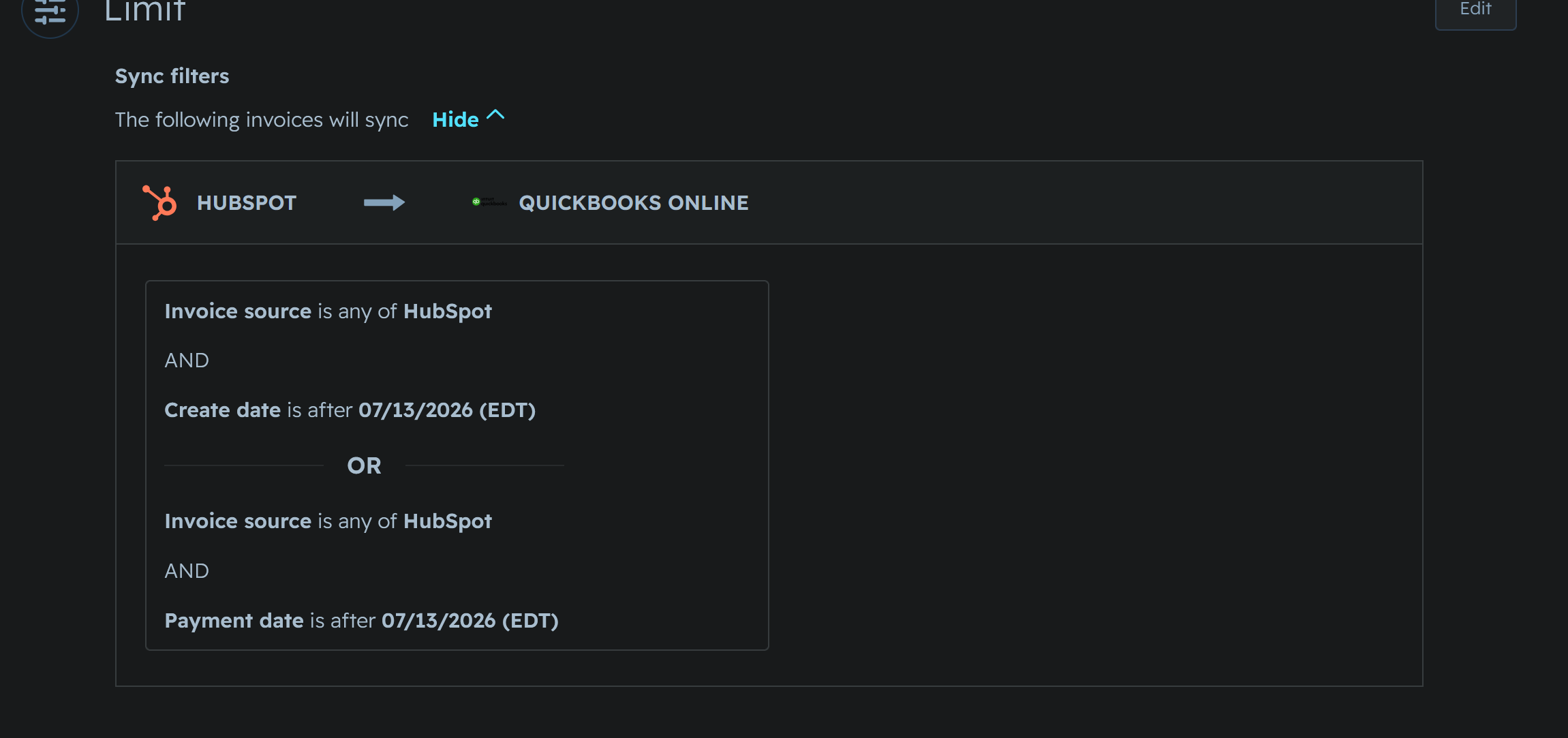
How to check: HubSpot's QuickBooks Online integration settings (CRM syncs tab) show sync status per object, and each individual invoice has its own sync status indicator. A manual "Sync now" option is also available if you don't want to wait for the normal sync interval.
Example screenshot
Open question, not yet resolved: how long the HubSpot → QuickBooks sync delay actually is in practice, in this account specifically — see features/invoices/issues.org issue 6. Documented figures suggest "a few minutes," but this hasn't been rigorously confirmed under normal (non-testing) usage patterns.